

One platform, connected operations
The platform connecting teaching, operations and families.
Swimo supports every stage of a session, from imported groups to progress reports delivered to families.
Book a demo01
Interactive lesson worksheets
Useful teaching information stays within reach during the lesson.
Swim instructors browse categories, pick a swimmer or the full group, and record observations without leaving pool deck.
- Categories and skills
- Select a swimmer or the group
- Observations and comments
- Tablet-friendly view
- Fast entry during the lesson

02
Individual and group progress
Follow every swimmer without losing sight of the group.
Swim instructors and coordinators see each skill status, progression during the session and continuity from one session to the next.
- Status of every skill
- Group overview
- Progression during the session
- Continuity across sessions
- Less duplicate entry

03
Reports, progress records and certificates
Prepare, review and share results in one continuous workflow.
The workflow covers mid-session reports through digital certificates with prepared or custom comments and online delivery.
- Mid-session reports
- Result review
- Prepared or custom comments
- Success validation and next step
- Online delivery to families

04
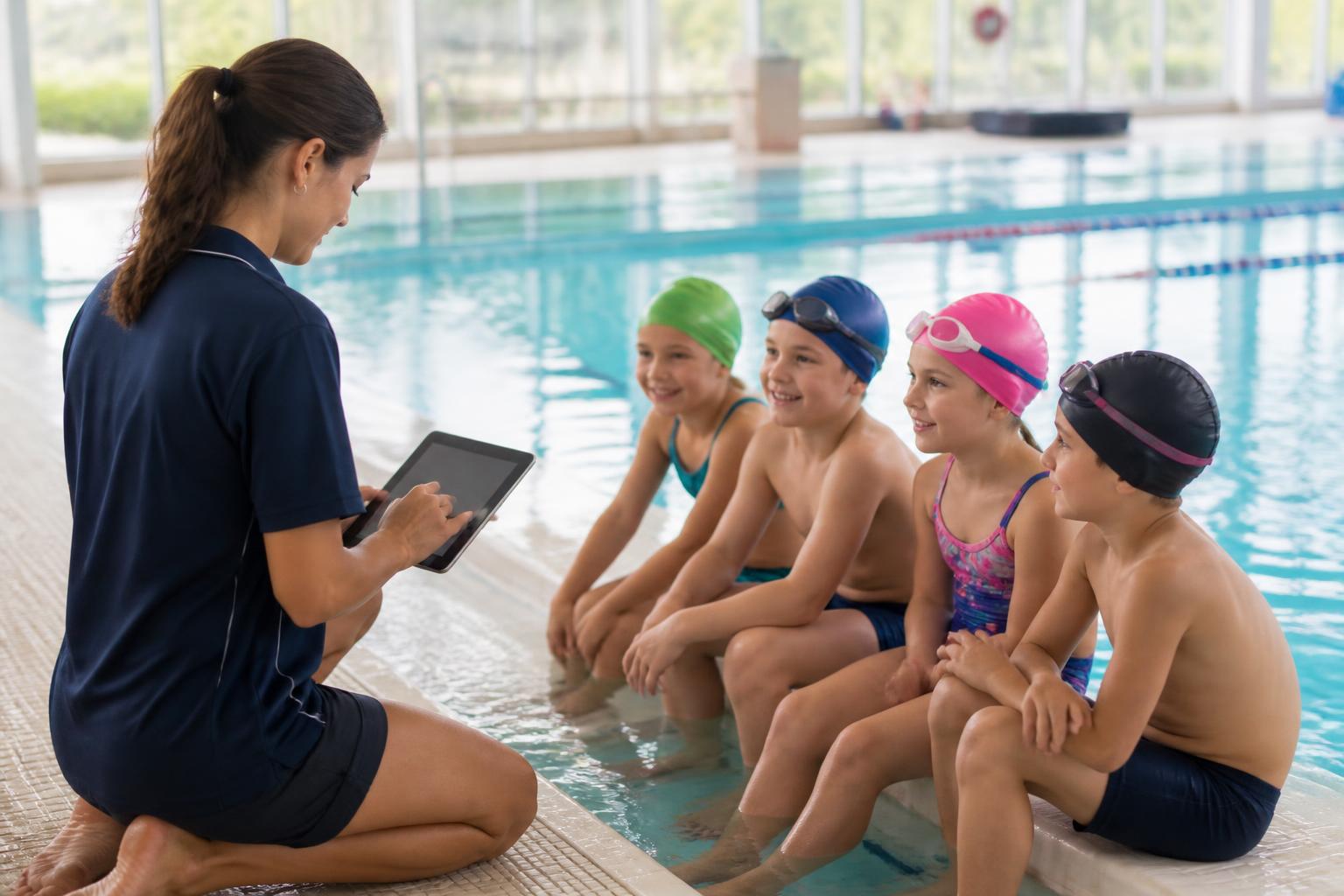
Digital attendance
Lists stay current even when registrations change.
Swimo records arrivals, departures and absences for participants and staff.
- Participants and staff
- Arrivals, departures and absences
- Absence notices
- Attendance reports
- Applicable history
05
Communications
Reach the right person or group quickly.
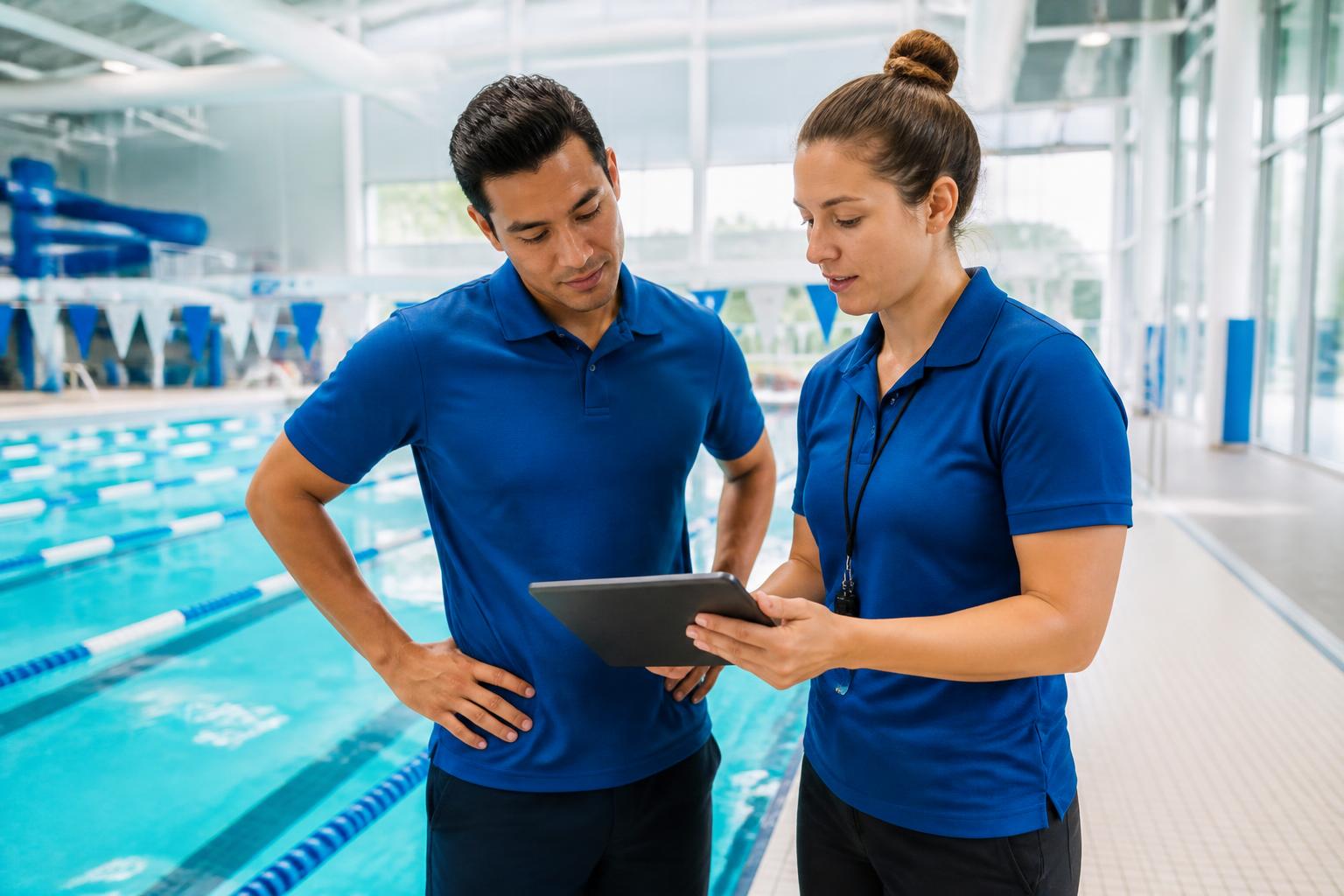
Group messages, individual communications, alerts, cancellations, closures and document sharing flow through one channel.
- Group and individual messages
- Alerts, cancellations and closures
- Document and result sharing
- Communication history
- Follow-up by supervisors
06
Participant records
Useful information stays accessible to authorized people.
Parents, emergency contacts, health information, authorizations and custom questions live inside a structured record.
- Parents and emergency contacts
- Health information, allergies, medications
- Authorizations and custom questions
- Important documents
- Access by responsibility

07
Management and history
Give supervisors a structured view of their operations.
Reports, history, exports and session information support decisions from management and coordinators.
- Reports and exports
- History and session information
- Group view and attendance follow-up
- Access by responsibility
- Track by site or program

08
Imports and synchronization
Complement your registration software without redoing the work.
Swimo can import or synchronize participants, parents, groups, activities and registrations from your current environment.
- Participants, parents and groups
- Activities and registrations
- CSV import
- Connectors depending on the system
- Custom project assessment

Related pages
Continue exploring
See Swimo in action within your own operating environment.
Book a demonstration